
Welcome to our guide on creating a project with AI generated templates. This guide will demonstrate the steps to select and customize templates that save you time while delivering high-quality survey results.
Login to engage.cloudresearch.com
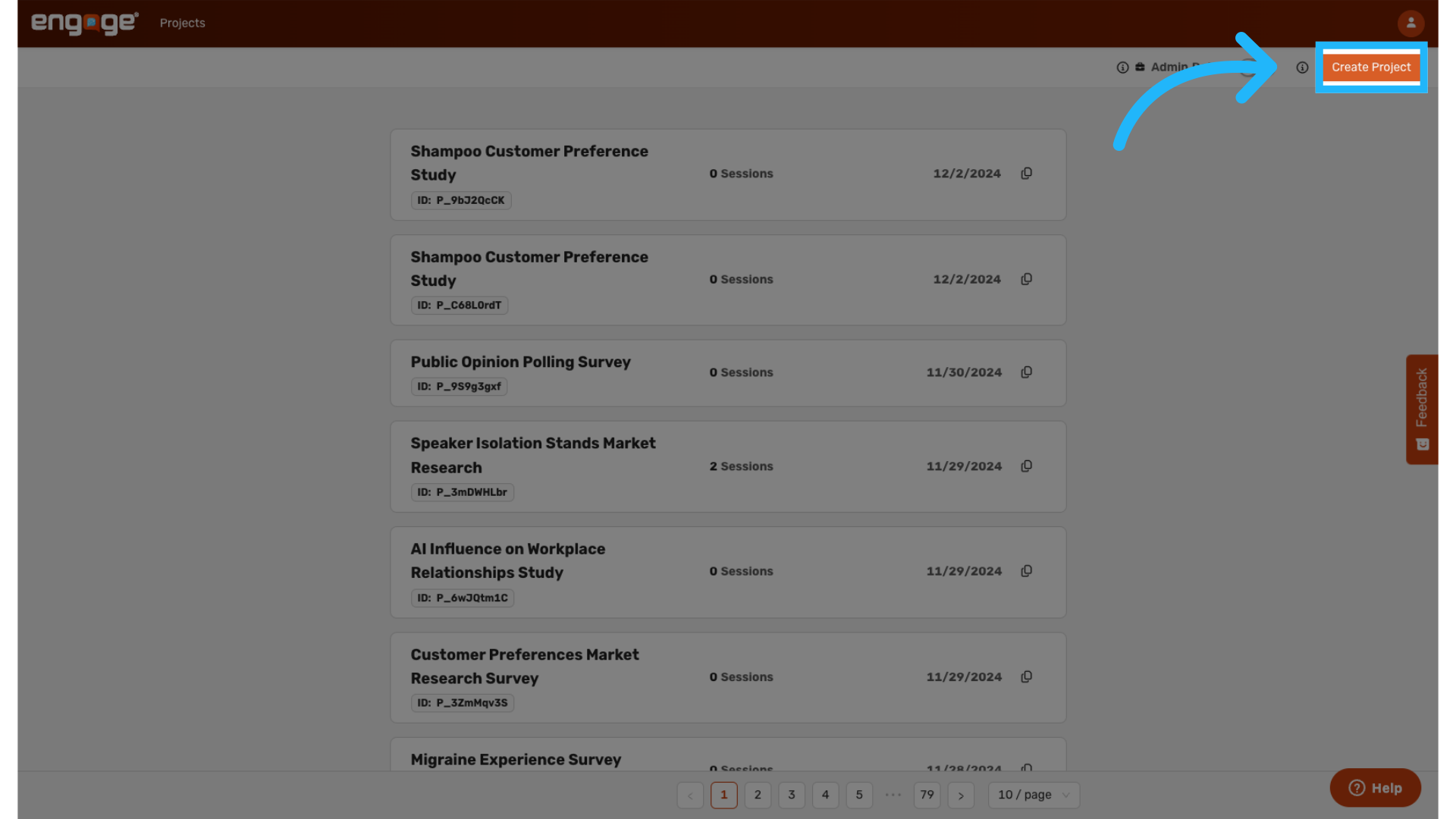
1. Select "Create Project"
Navigate to the dashboard and click on "Create Project" to initiate a new survey or research project.
2. Choose the Project Type
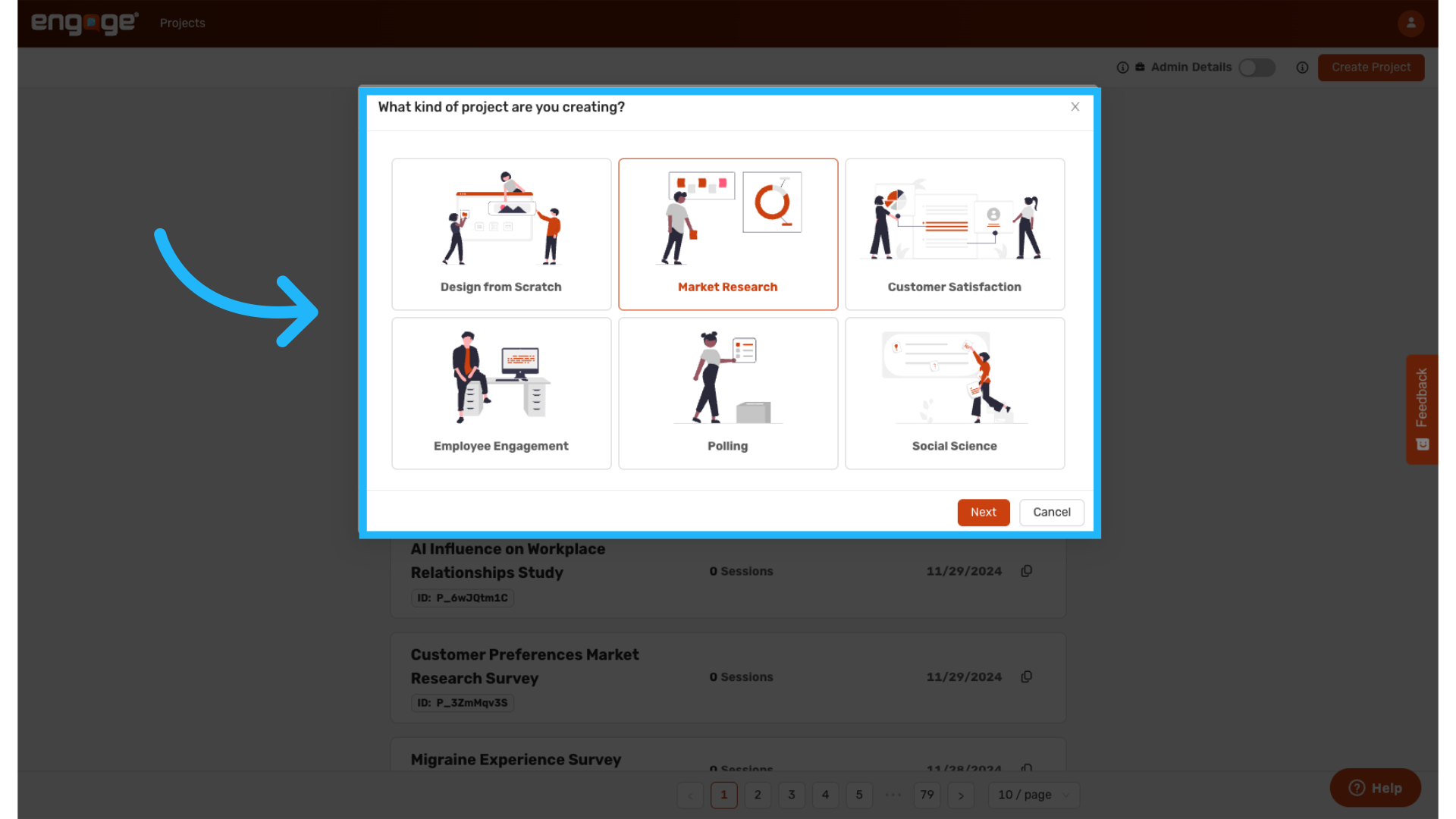
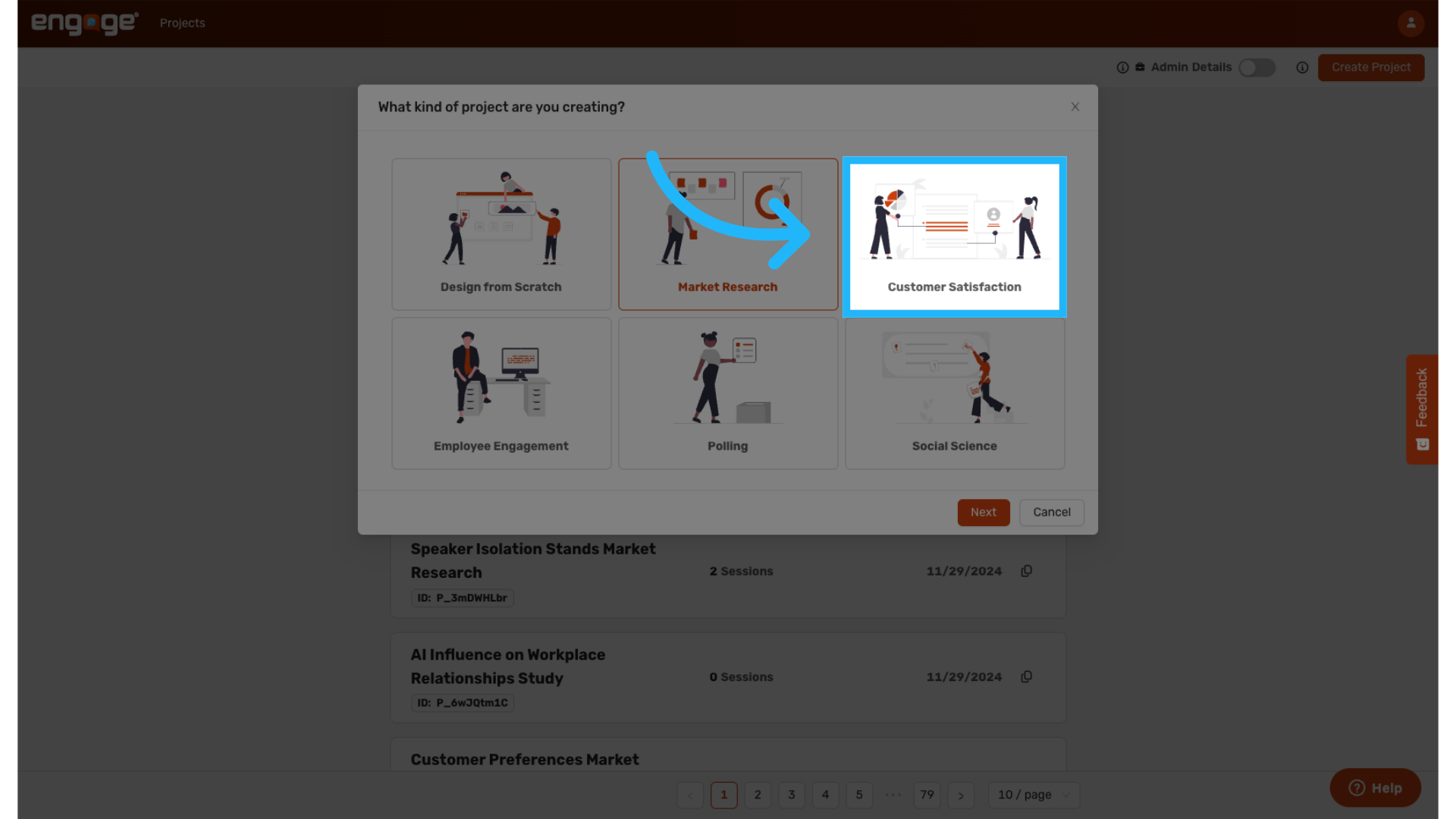
You will be prompted to select the type of project you wish to create. For a step-by-step guide on creating projects from scratch, please view our Create a Project from Scratch tutorial. You can also have AI create a project for you using our pre-existing templates, which include options for market research, customer satisfaction, employee engagement, polling, and social sciences.
4. Market Research Template
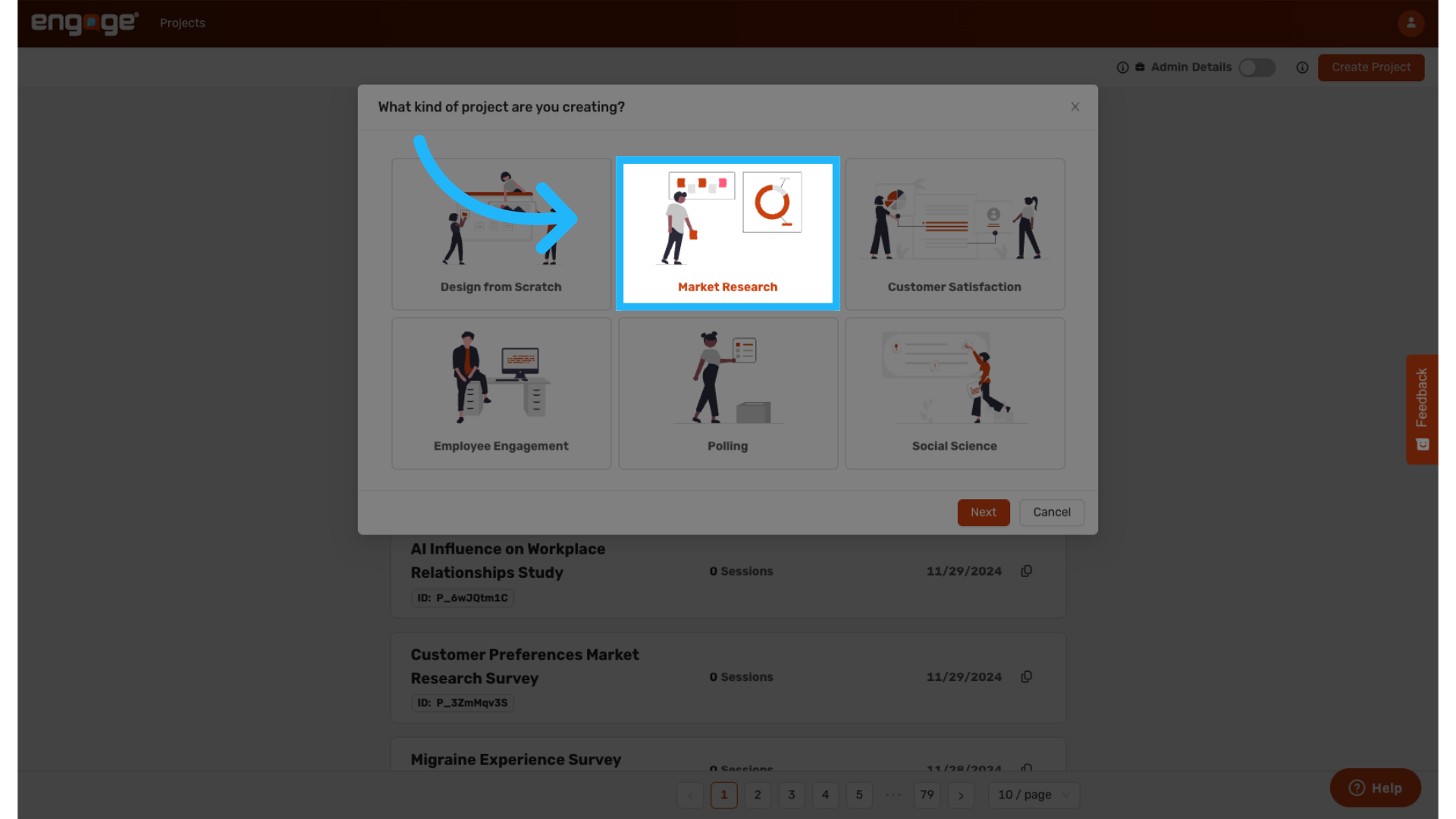
This template prompts AI to generate a market research survey aimed at understanding customer preferences for a product or service.
5. Mixed Methods or Qualitative Data
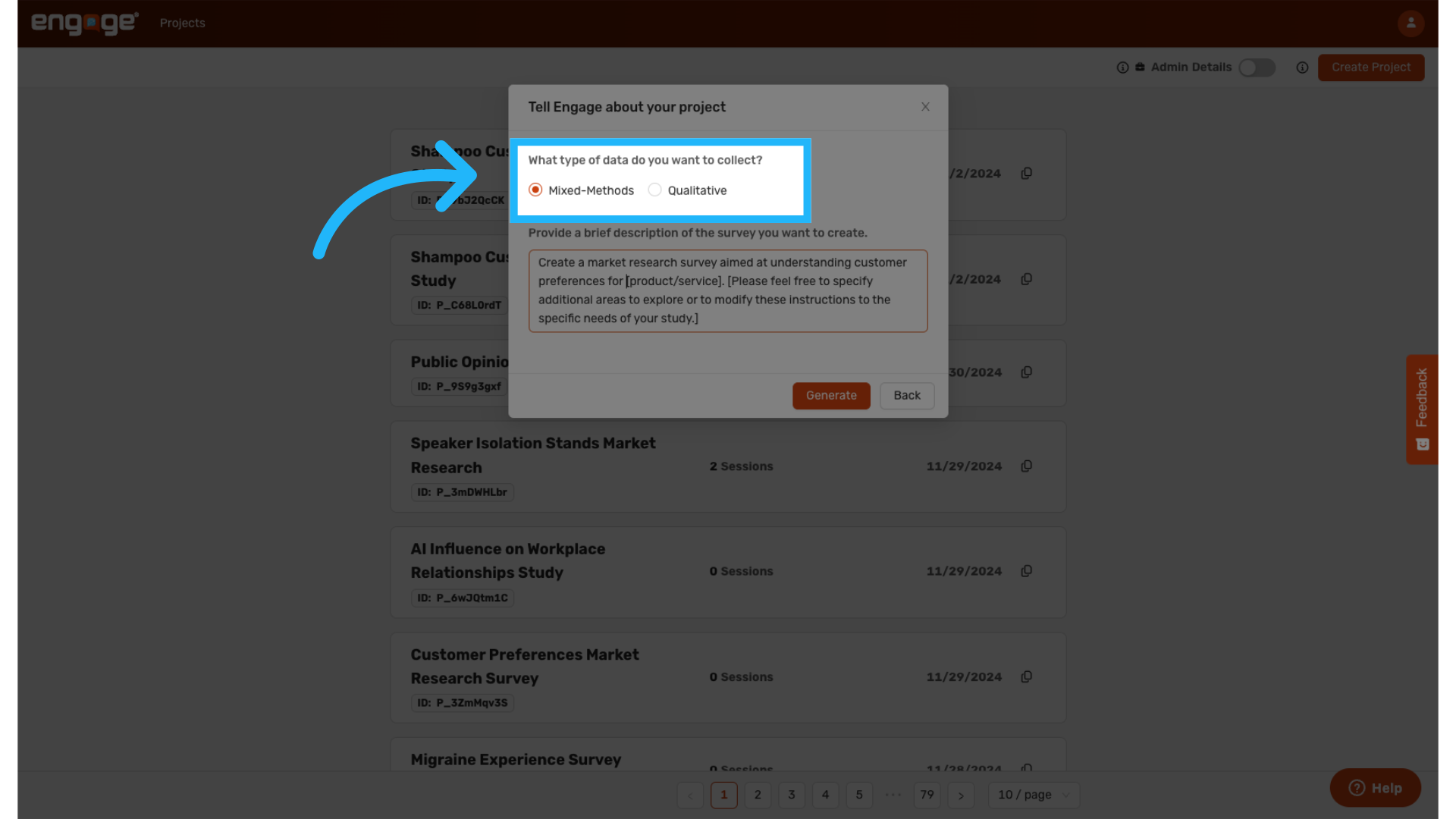
Choose between a mixed methods approach, which includes qualitative and quantitative questions, or a purely qualitative approach depending on your study's needs.
6. Edit the Pre-populated Prompt
Edits the pre-populated prompt to ensure it aligns with your survey's objectives.
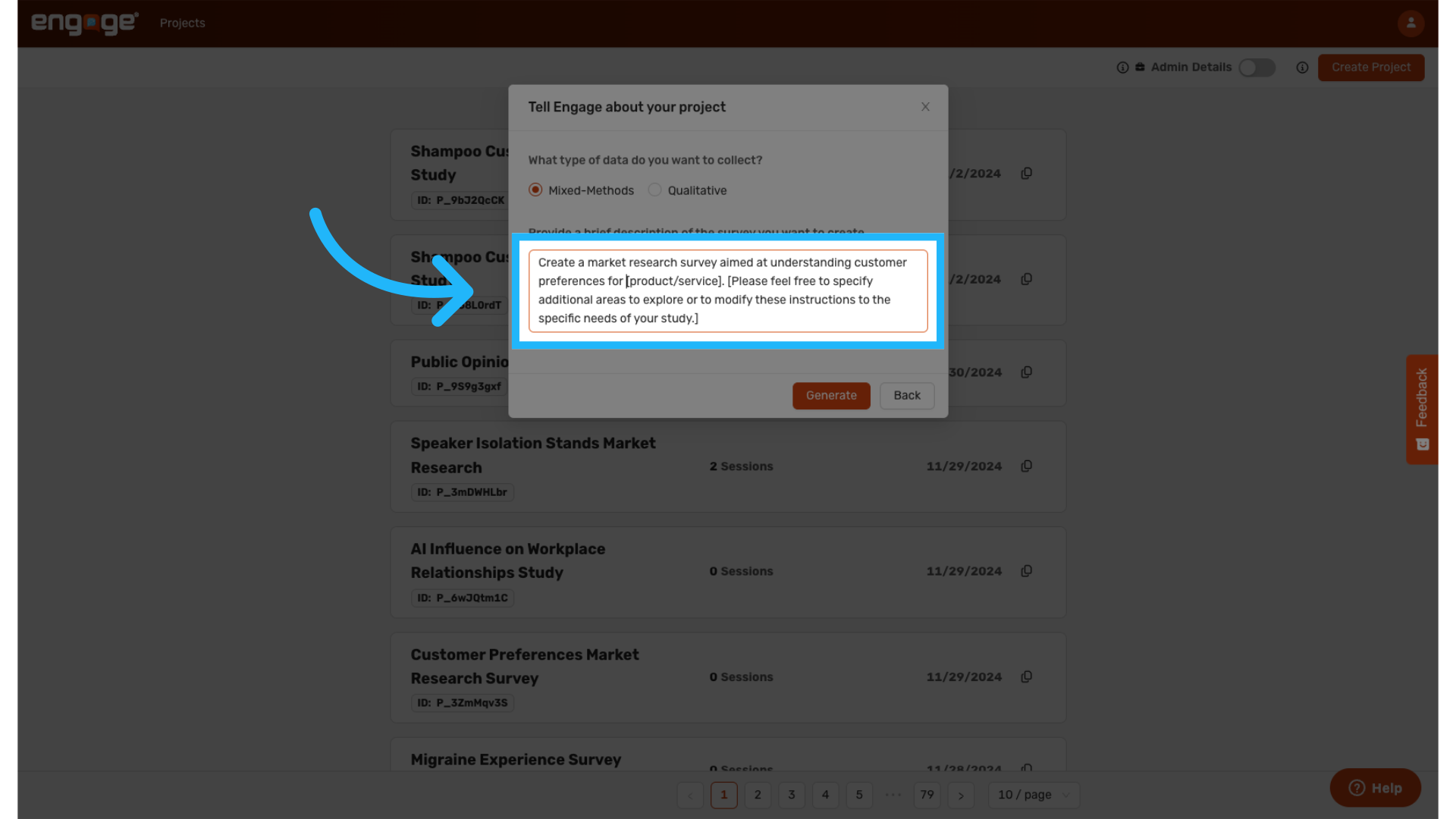
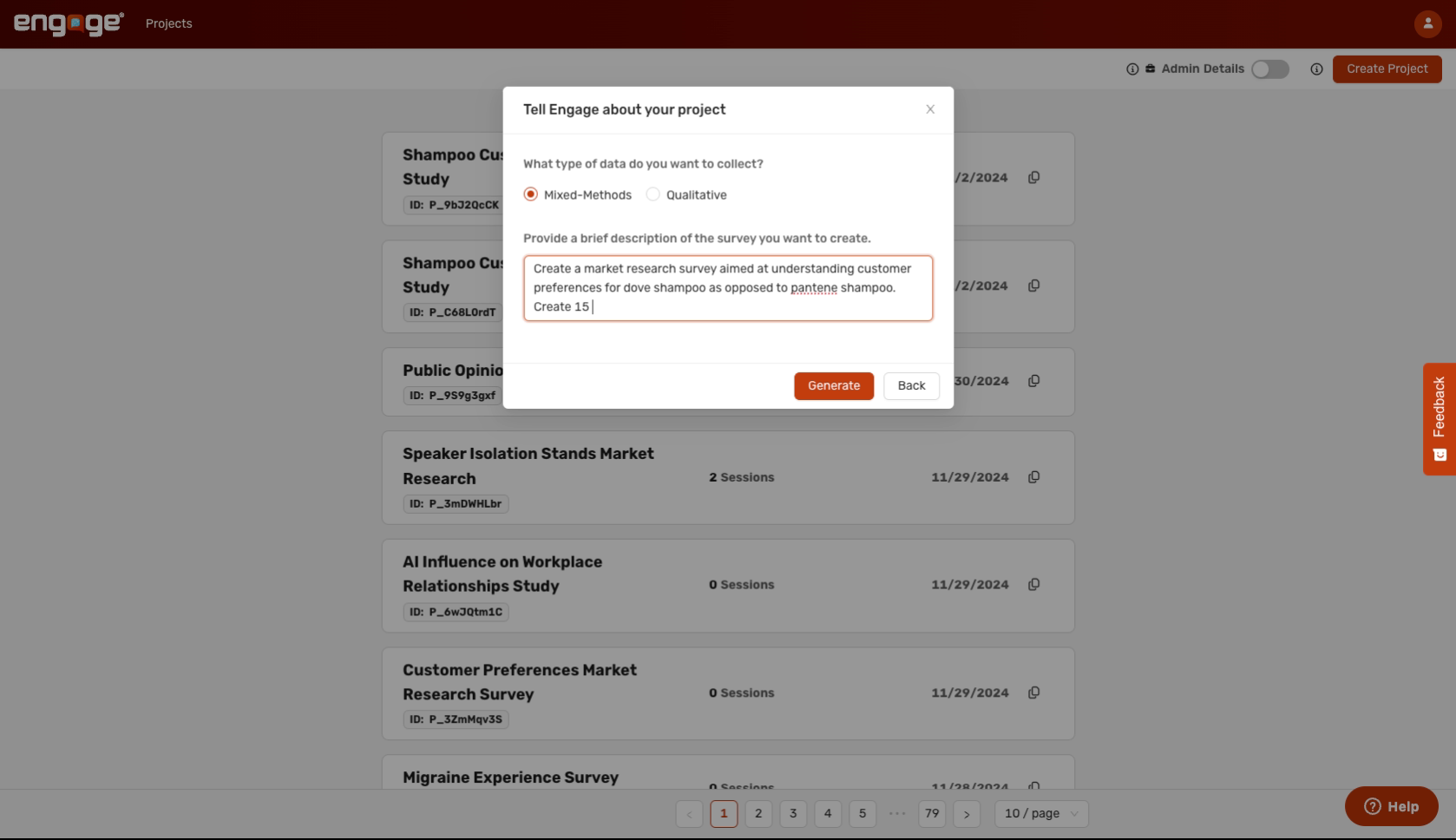
7. Example Project
For example, you might want to compare two different shampoo products for a market research template. Optionally, you can instruct AI on how many questions you would like it to include in the survey.
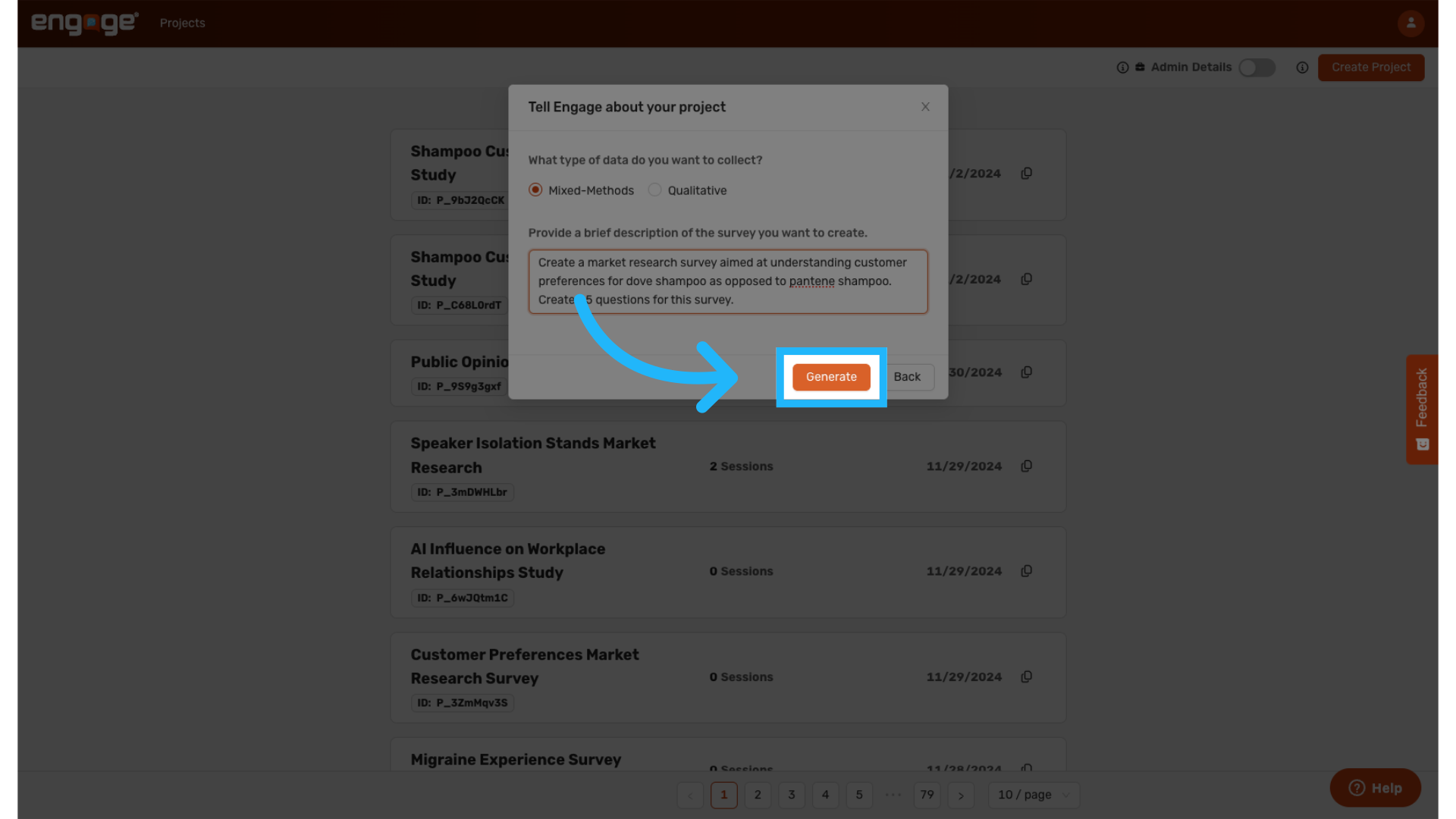
8. Generate Project
Click "Generate" to create your project based on the updated template description.
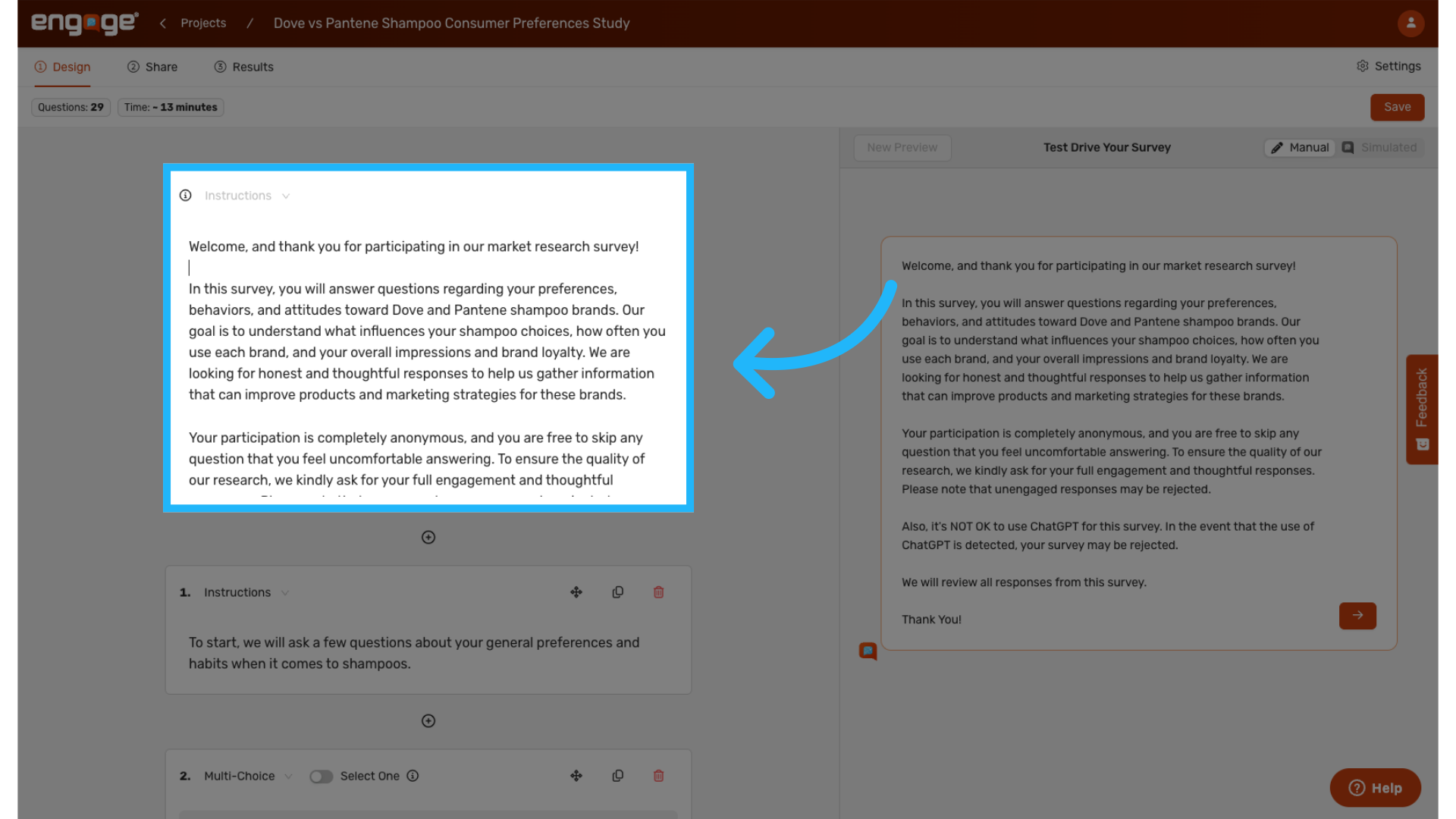
10. Edit Survey
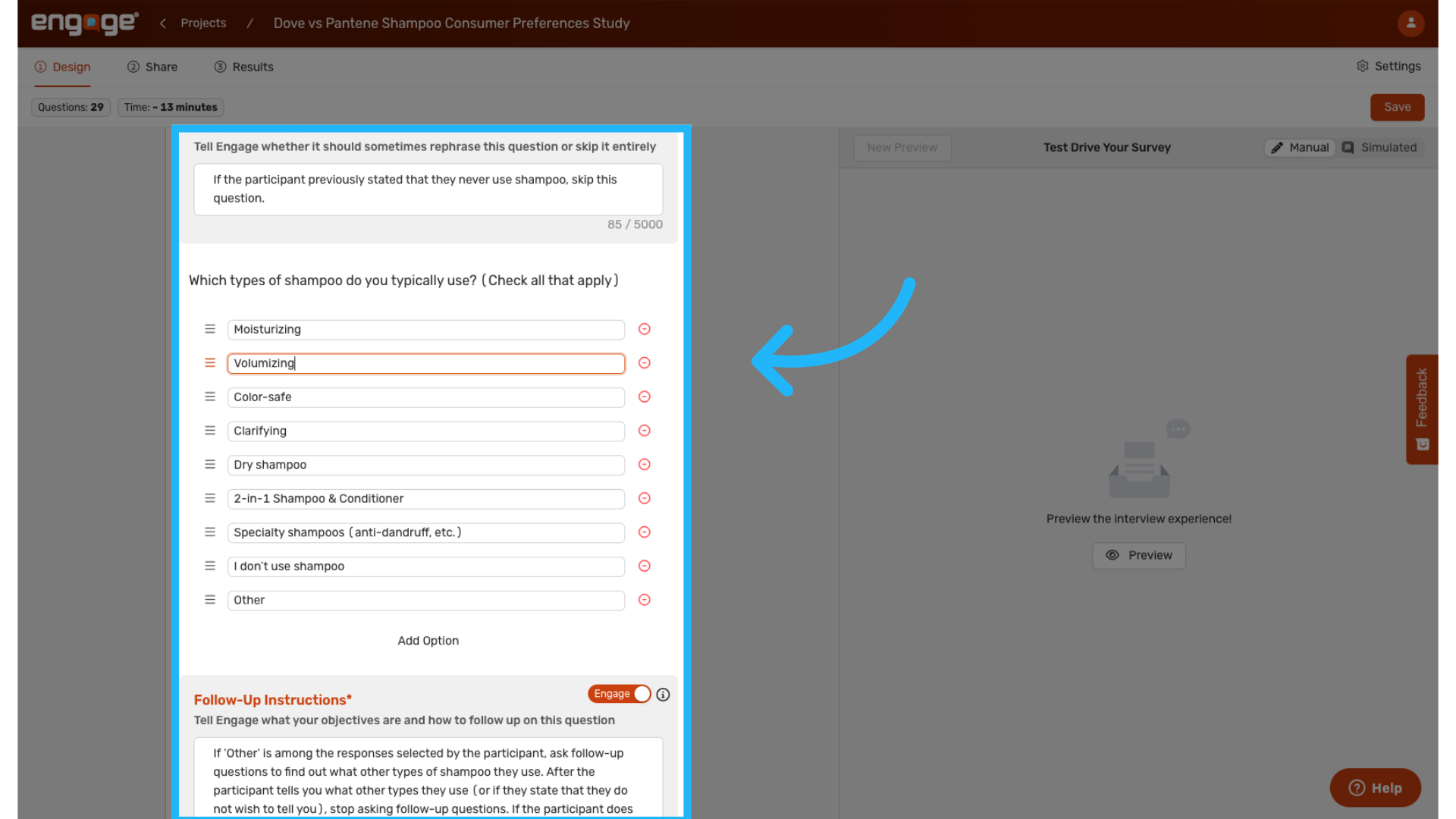
You can now edit the survey instructions, questions, pre-instructions, and follow-ups.
13. Demographic Questions
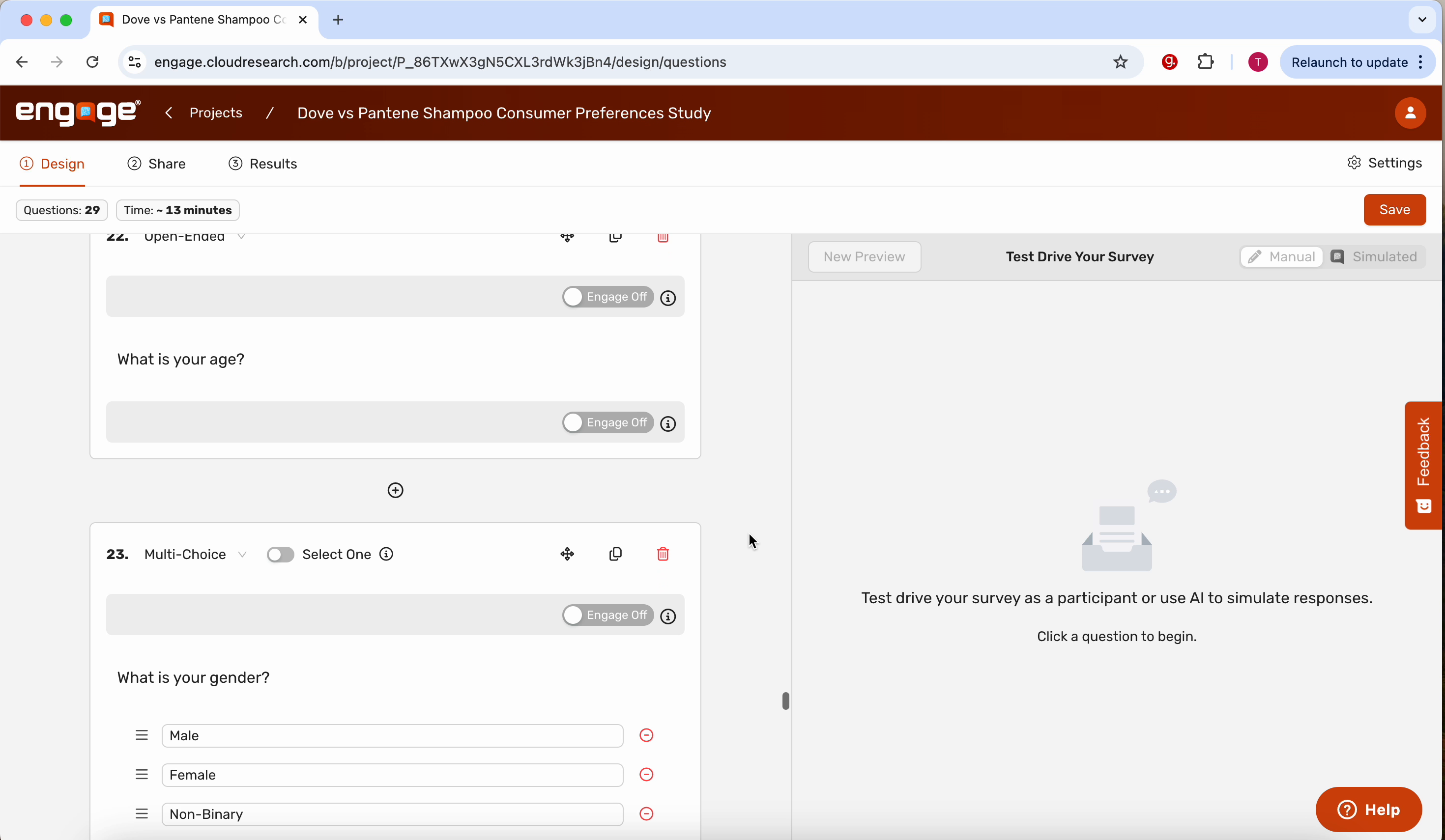
Demographic questions will automatically be generated at the end of the survey when using templates.
14. Customer Satisfaction Template
15. Edit Customer Satisfaction Template Description
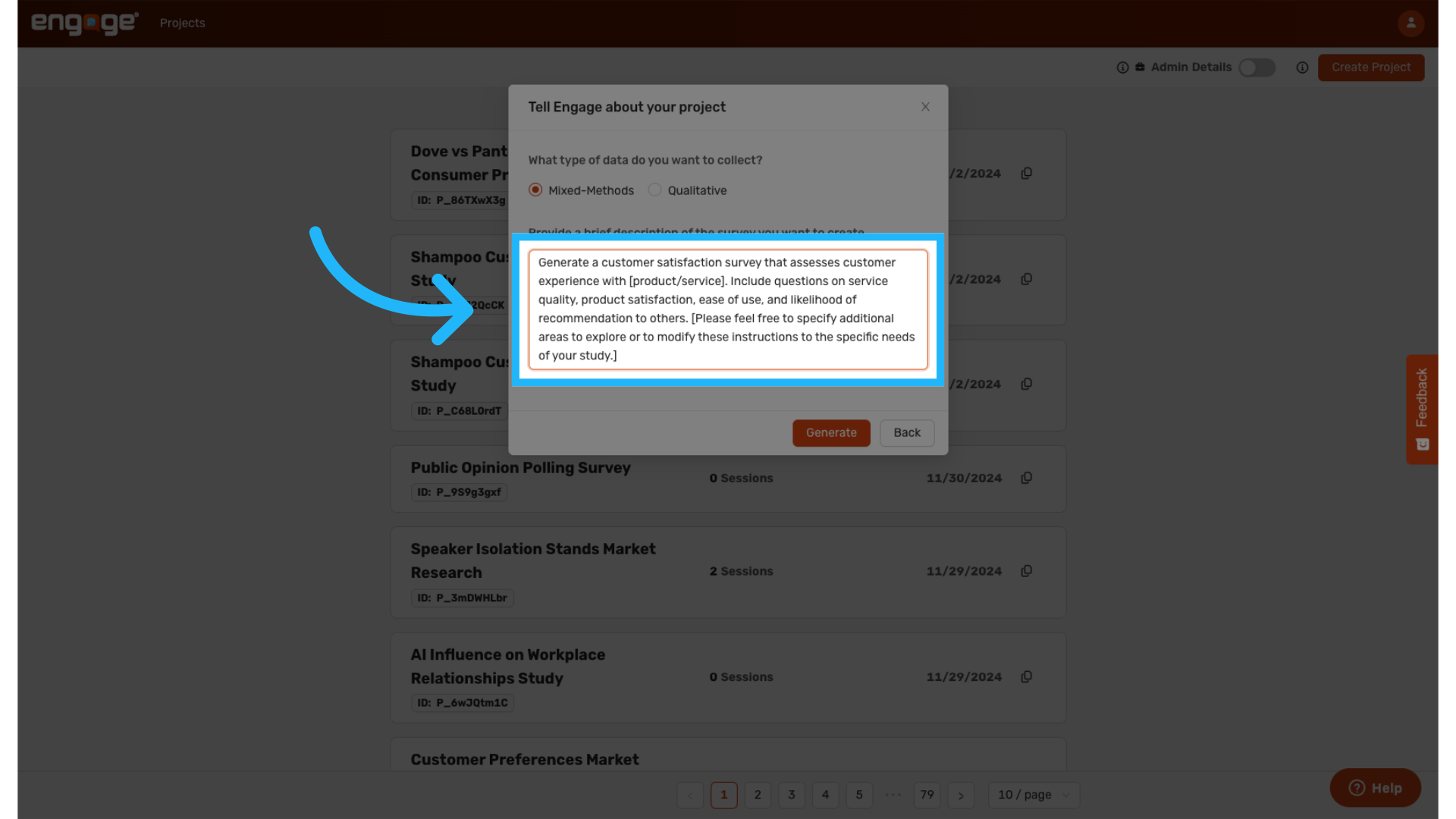
In this template, AI will generate a customer satisfaction survey that assesses customer experience with the product or service. The template prompts AI to include questions on service quality product satisfaction, ease of use and likelihood of recommendation to others. You can edit this description to add more details.
16. Employee Engagement Template
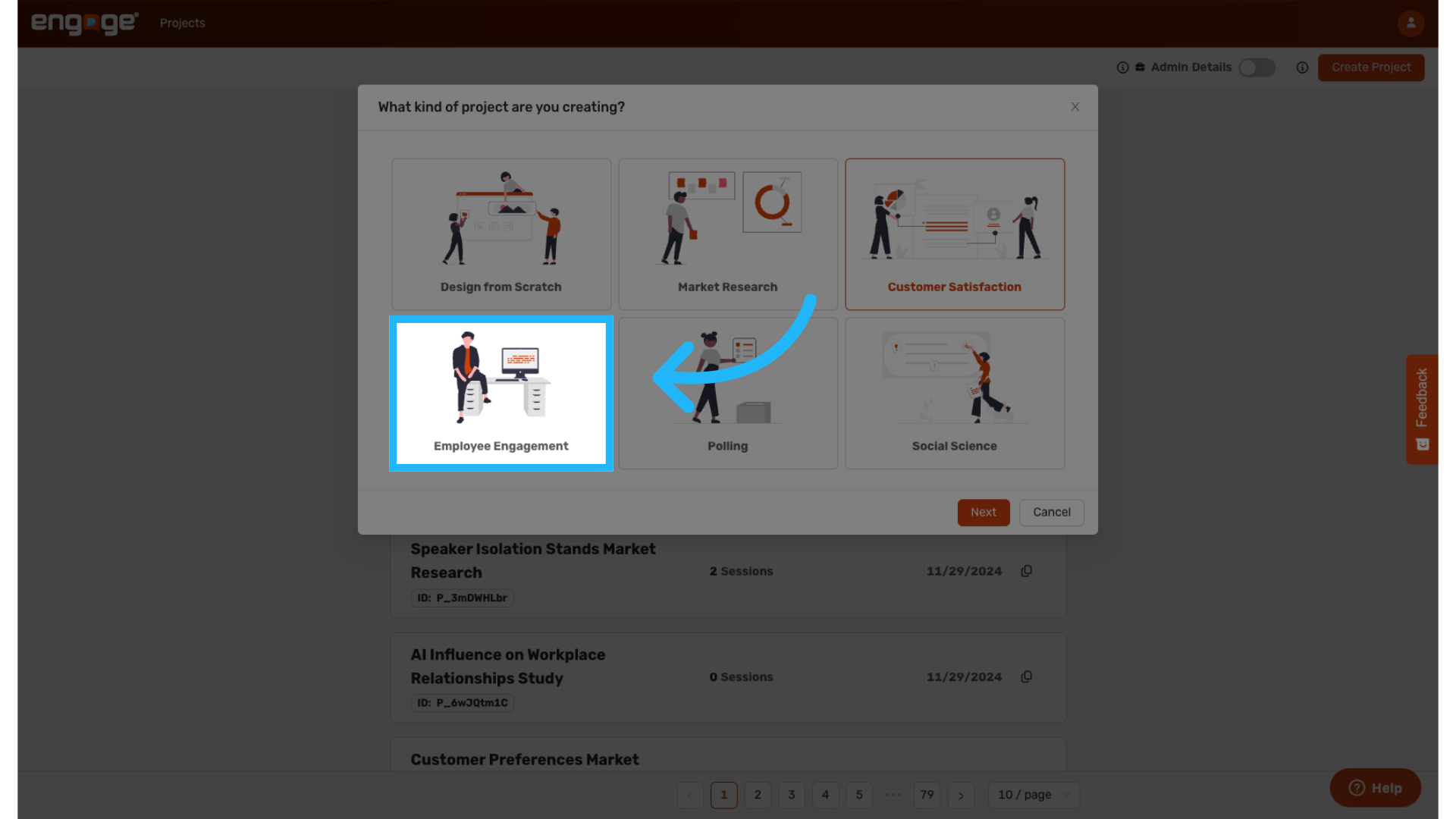
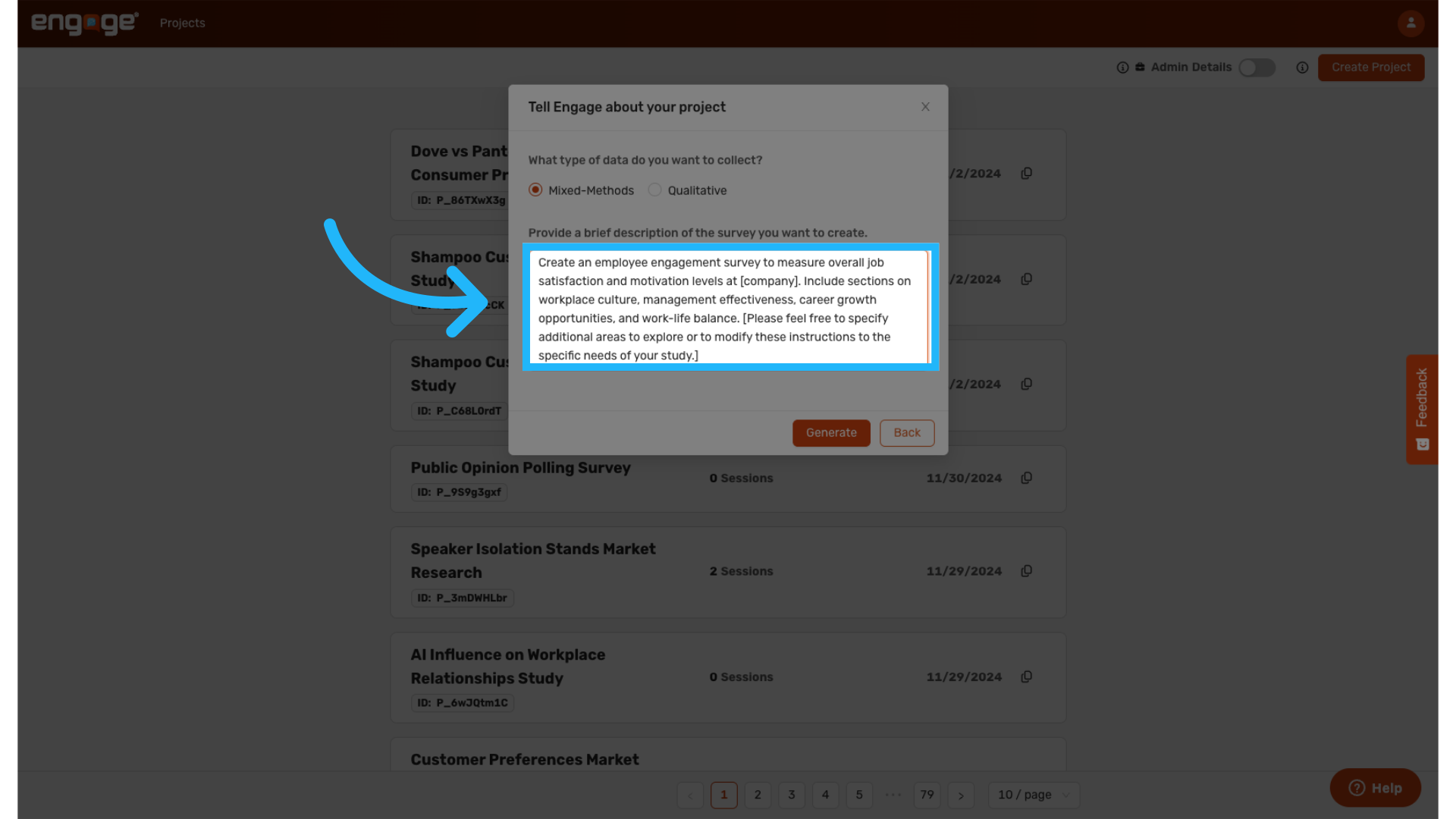
17. Edit Employee Engagement Template Description
The employee engagement, template prompts AI to create a survey to measure overall job satisfaction and motivation levels at your company. It should include sections on workplace culture, management, effectiveness, career growth opportunities, and work life balance.
18. Polling Template
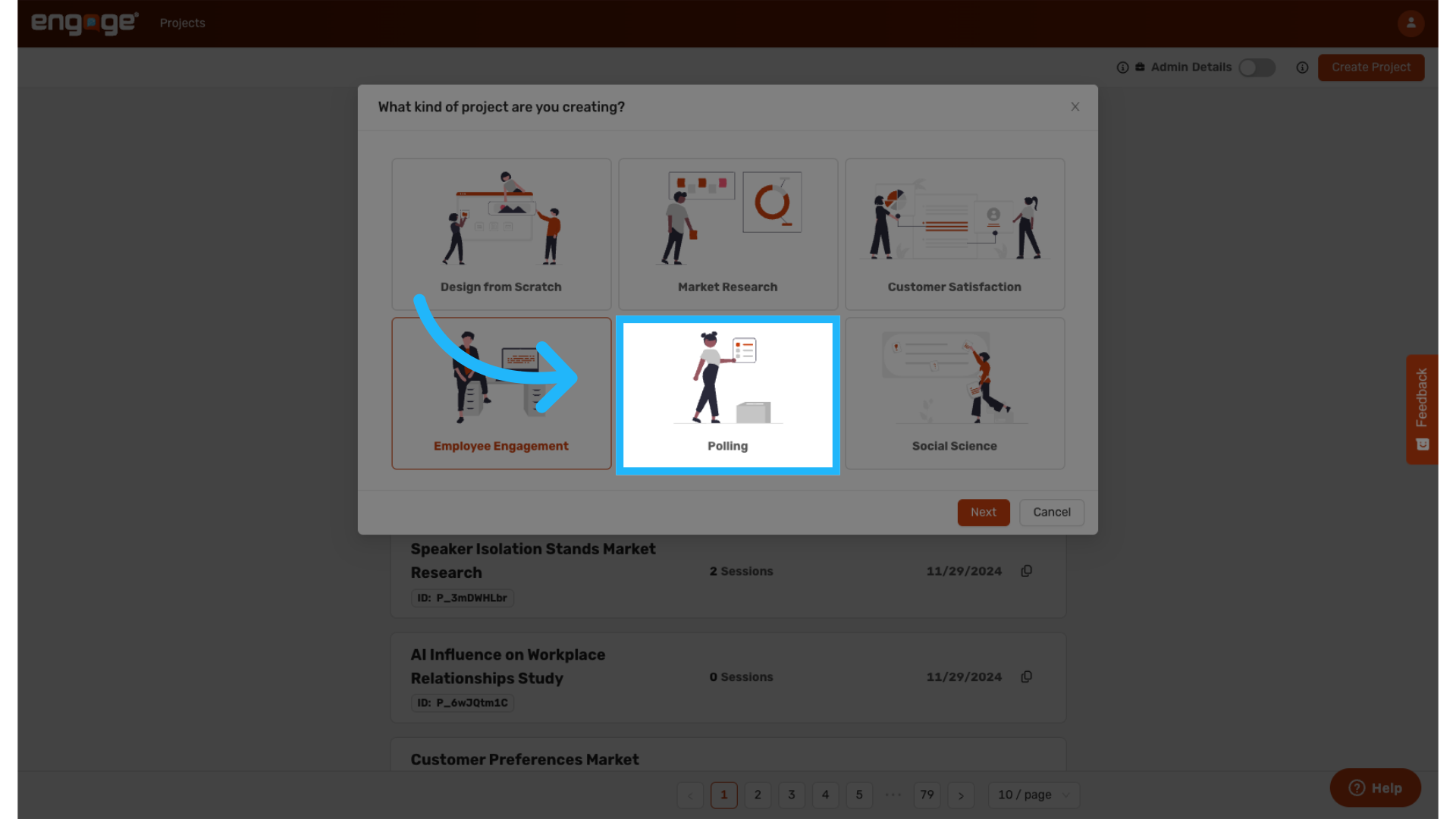
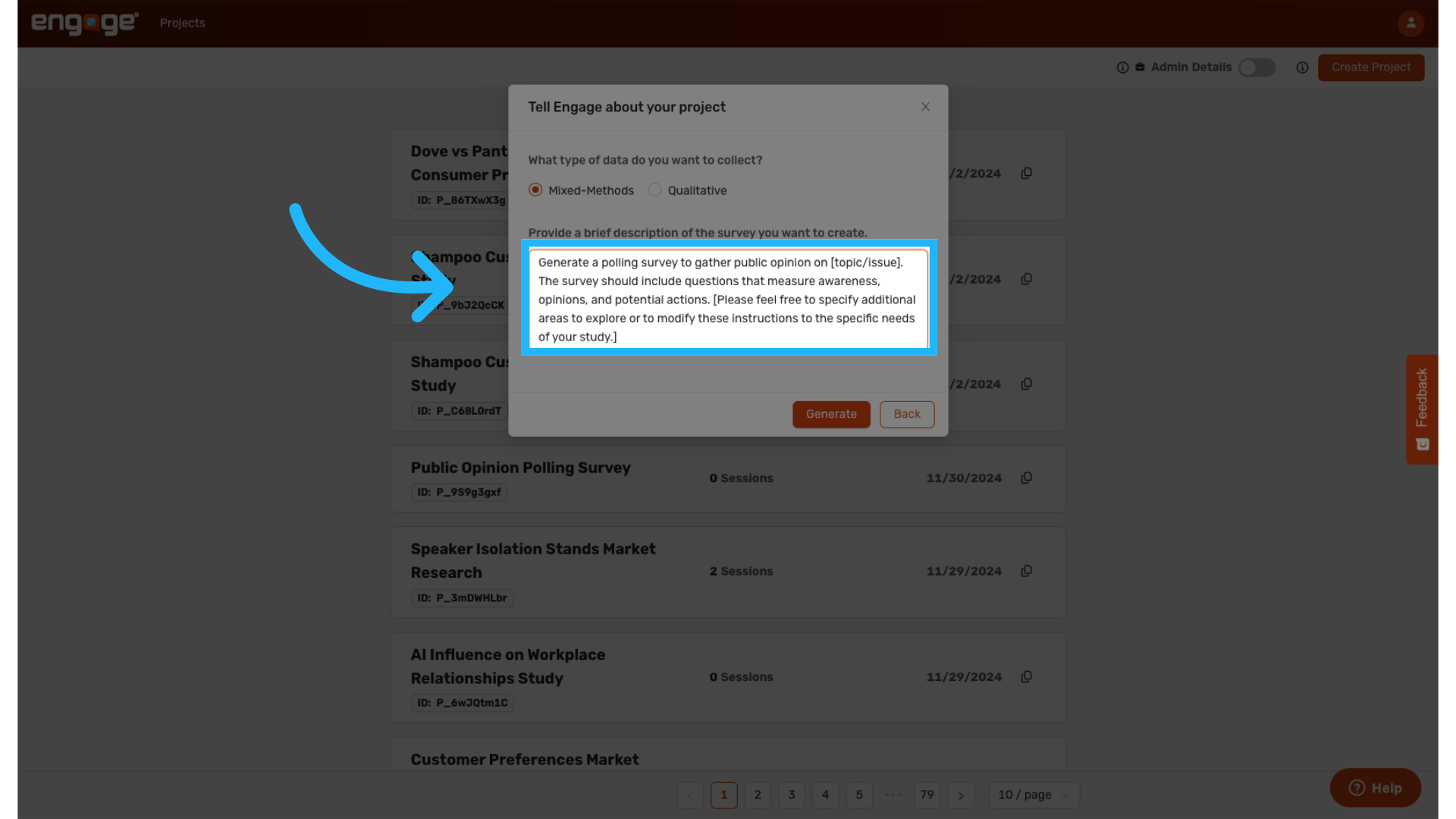
19. Edit Polling Template Description
This template asks AI to generate a polling survey to gather public opinion on a specific topic or issue. AI is prompted to include questions that measure awareness, opinions, and potential actions.
20. Social Sciences Template
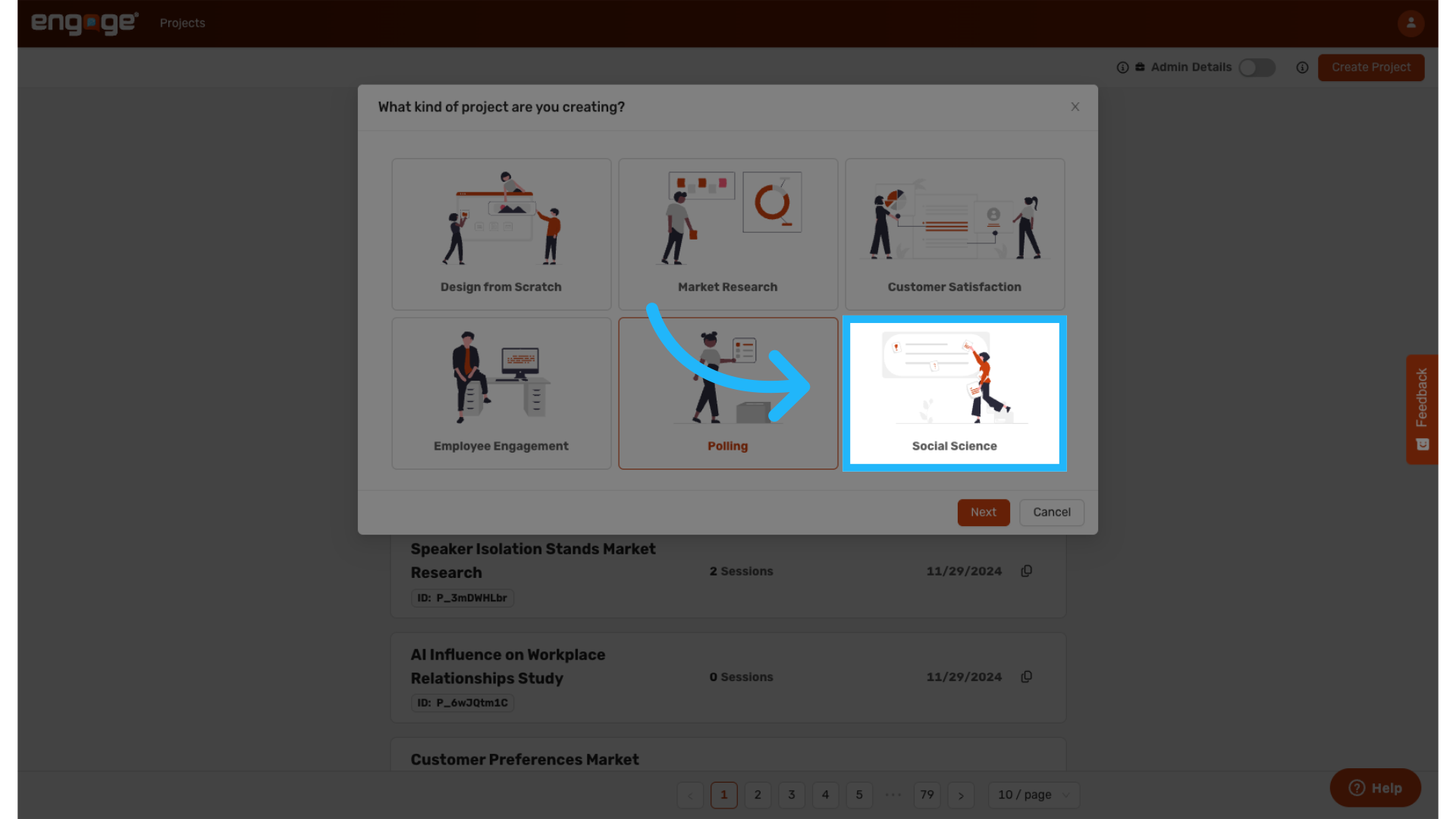
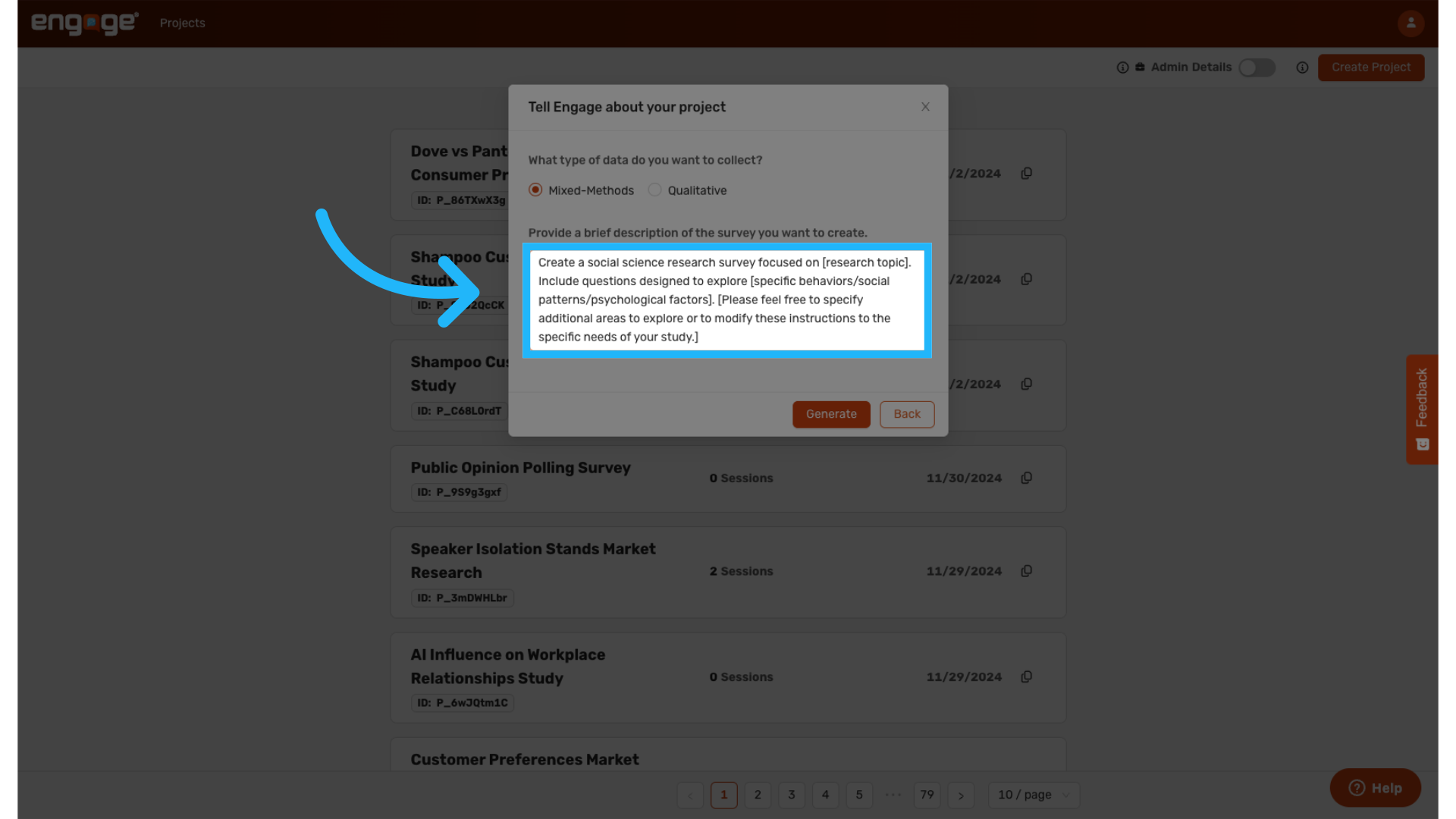
21. Edit Social Sciences Template Description
This template instructs AI to create a social science research survey focused on any research topic. You can then prompt AI to include any questions designed to explore specific behaviors, social patterns, or psychological factors.
Thank you for watching. If you have any other questions, please reach out to our support team or access our other guides
Comments
0 comments
Please sign in to leave a comment.