
Welcome to the guide for downloading sessions and Analysis data. This feature allows you to analyze the data collected on, engage on your personal device. The data can be downloaded as a CSV file or as a Word document.
Go to engage.cloudresearch.com
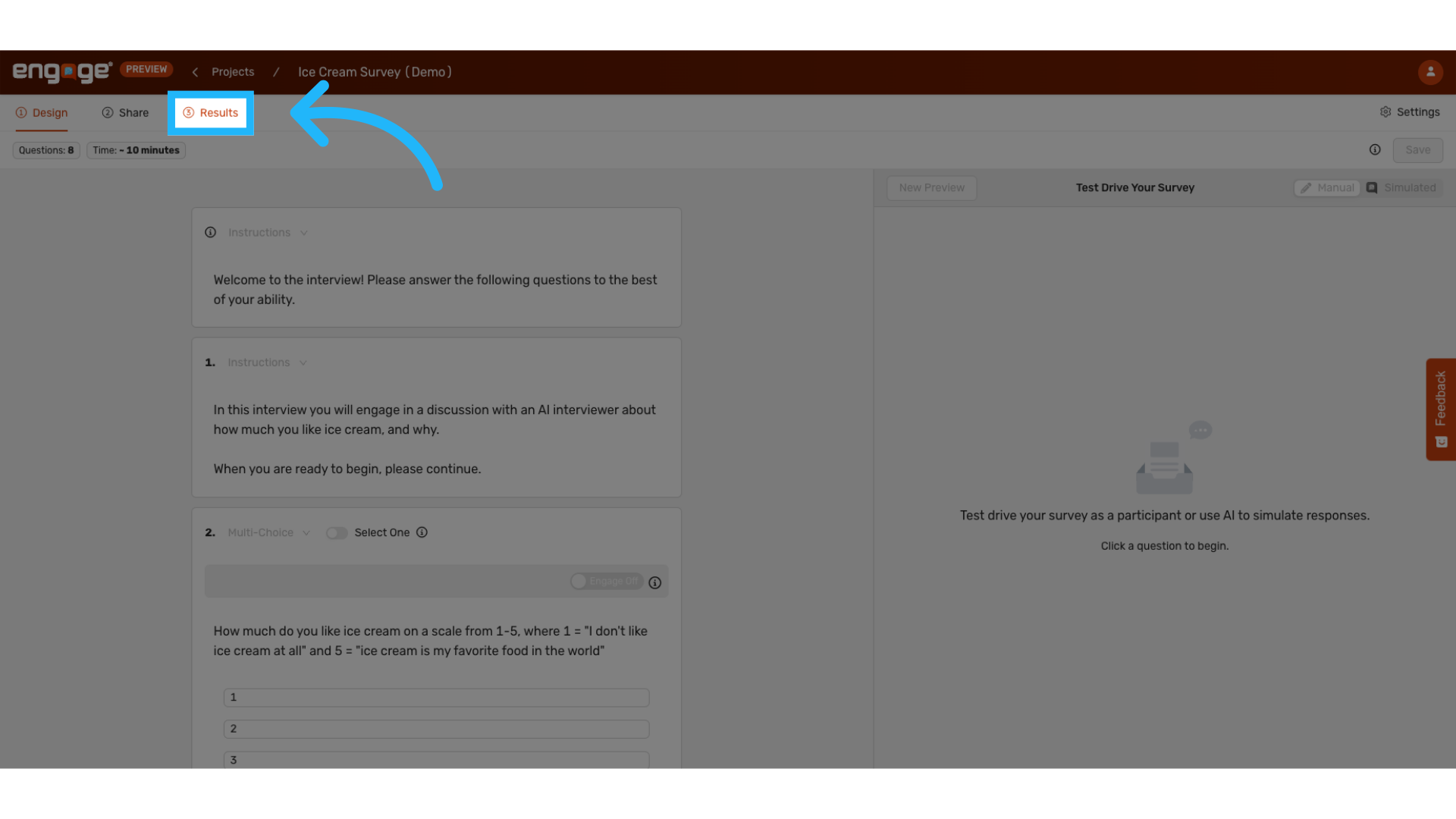
1. Locate "Results"
2. Click/ Hover over "Export"
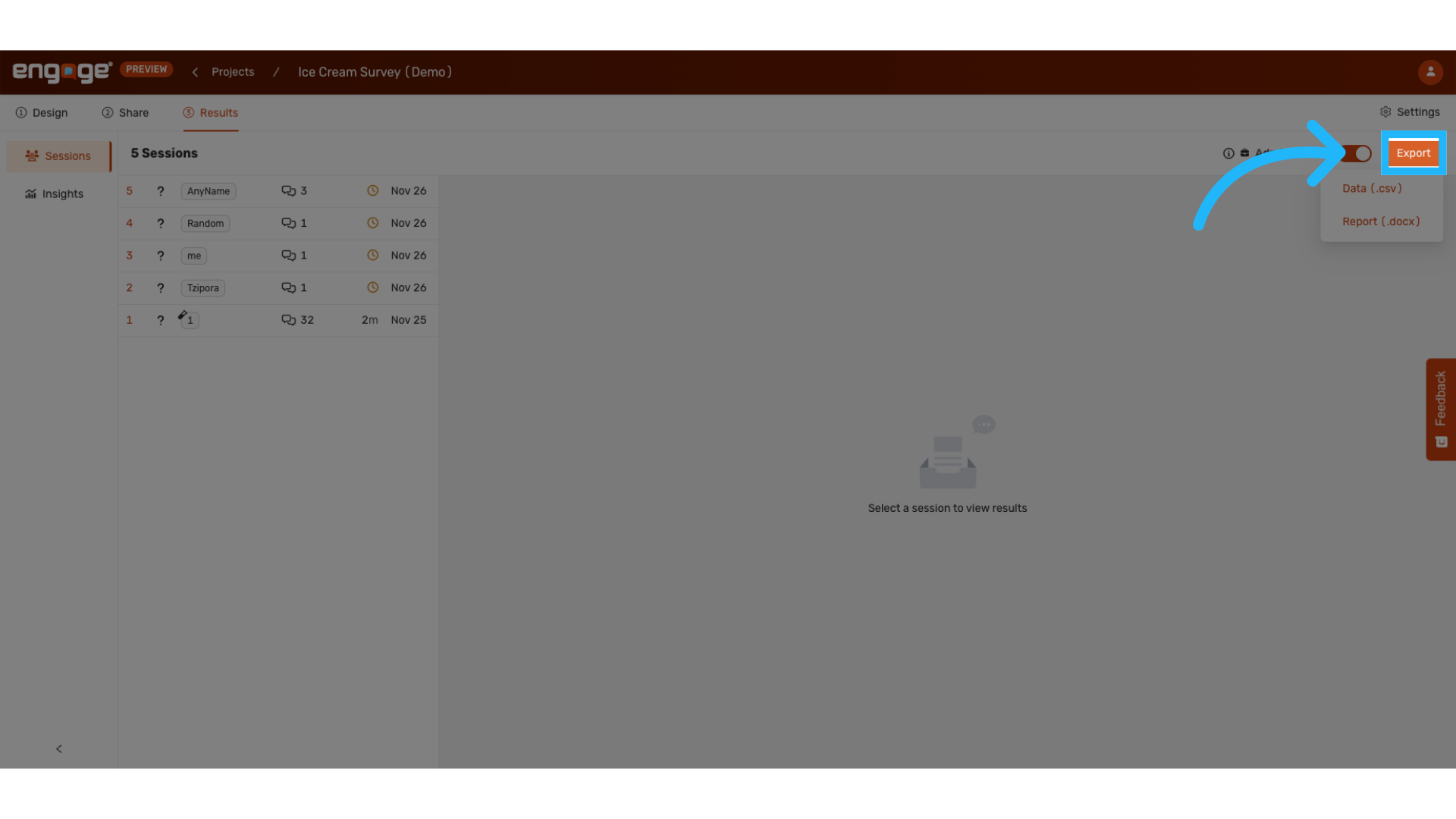
3. Choose file type (CSV, docx)
Choose between downloading a CSV or Word document. The download will appear in the downloads folder of your device.
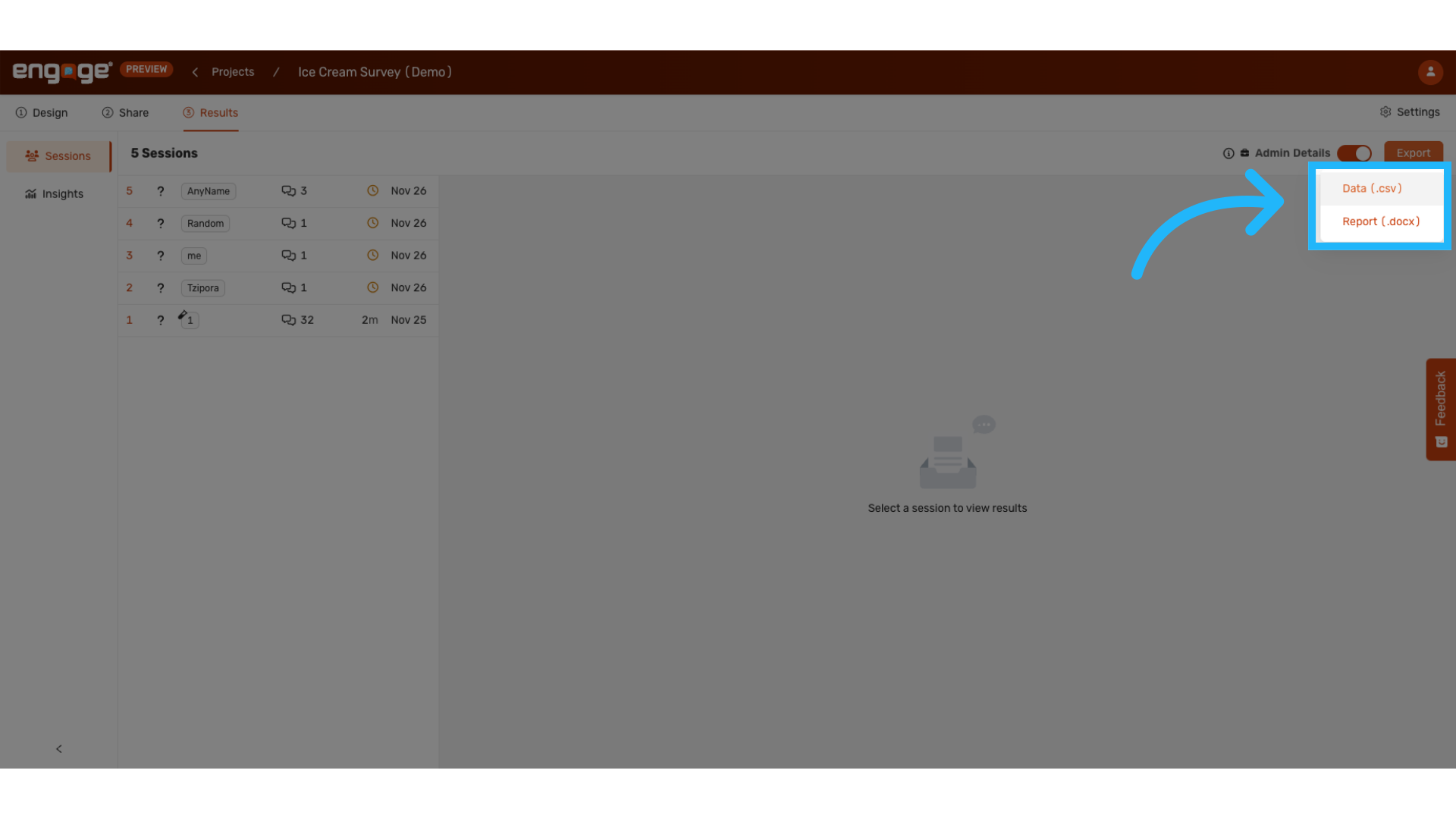
4. CSV file example
CSV downloads will have various fields, including participant ID, session ID, time the survey was started, and session conversations.
5. docx file example
The word document includes the session link, session ID, time the survey was started, a session summary, and a transcript of the session. It will also include any themes, tags, and ranges analyses that were done on Engage.
Thank you for watching. If you have any other questions, please feel free to reach out to our support team or access our other guides.
Comments
0 comments
Please sign in to leave a comment.